A folder of twelve clips can look like a productive week. It can also contain twelve versions of the same introduction, none of which gives a new viewer a reason to care.
The hard part of video clipping is deciding what survives outside the original conversation. The guest's point may have taken ten minutes to establish. The product demonstration may rely on something the host explained earlier. A short cut inherits none of that context automatically.
Treat each clip as an editorial assignment: one audience, one question and enough evidence to make the answer useful. That changes what you select, where you cut and how you judge the finished work.
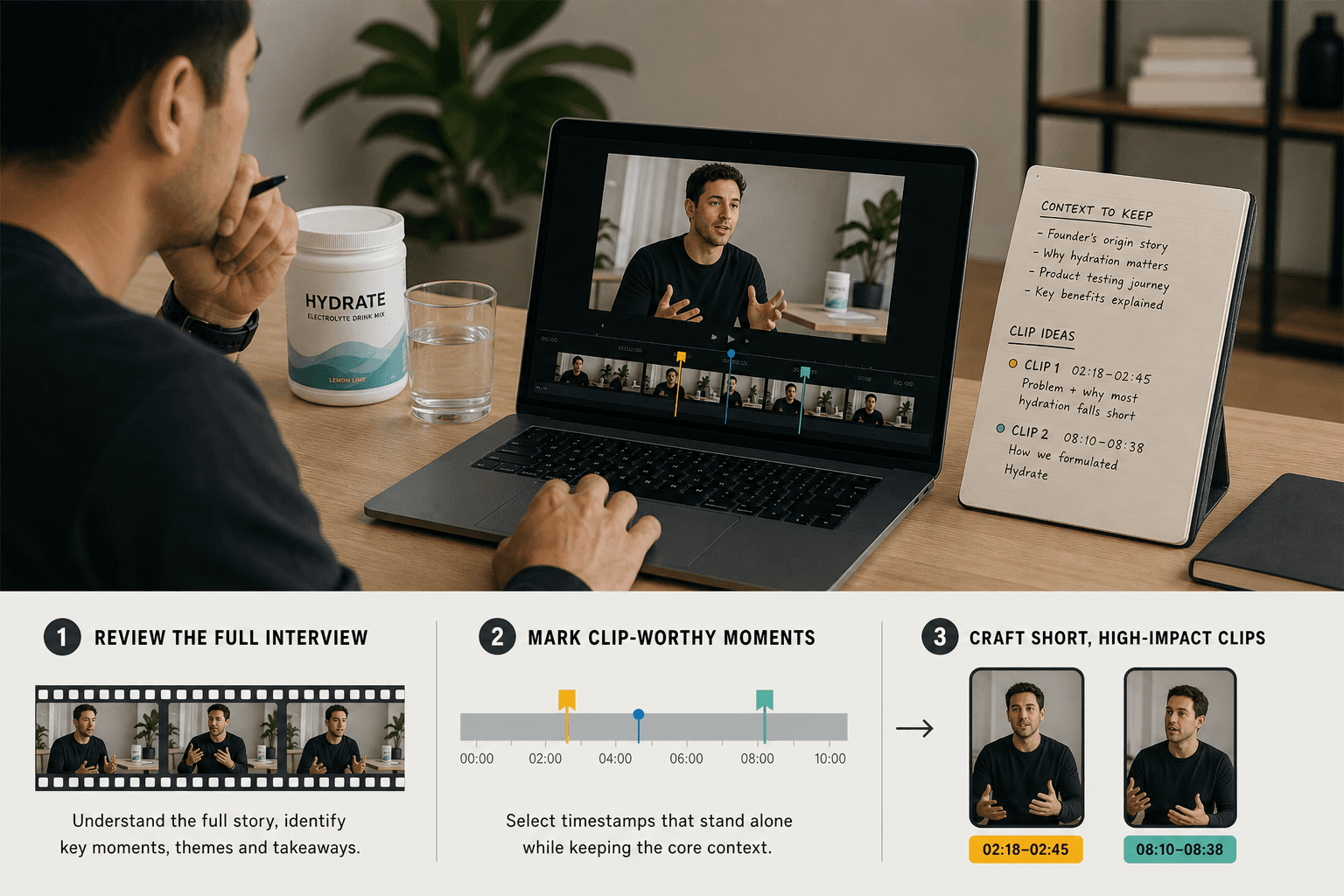
Find the complete thought inside the long video
Begin with the question a viewer would bring to the footage. A founder interview might contain a product demonstration, an explanation of a design choice and a story about how the company began. All three could become clips, but they serve different interests.
Imagine a luggage brand has recorded a conversation with its product designer. The designer spends several minutes explaining a wheel replacement. The most useful clip may start midway through the answer, when they show the attachment, rather than where the interviewer asks the question.
The editor's job is to retain what makes the explanation understandable. If the viewer needs to see the attachment before a claim makes sense, keep that shot. If an opening sentence refers to “the problem we talked about earlier,” replace the missing context with a concise introduction or select a different starting point.
Write a one-sentence description before opening the edit: “This clip shows how the wheel is attached and what a customer would need to check before replacing it.” If you cannot describe the value without saying “a highlight from our interview,” you probably haven't found the assignment yet.
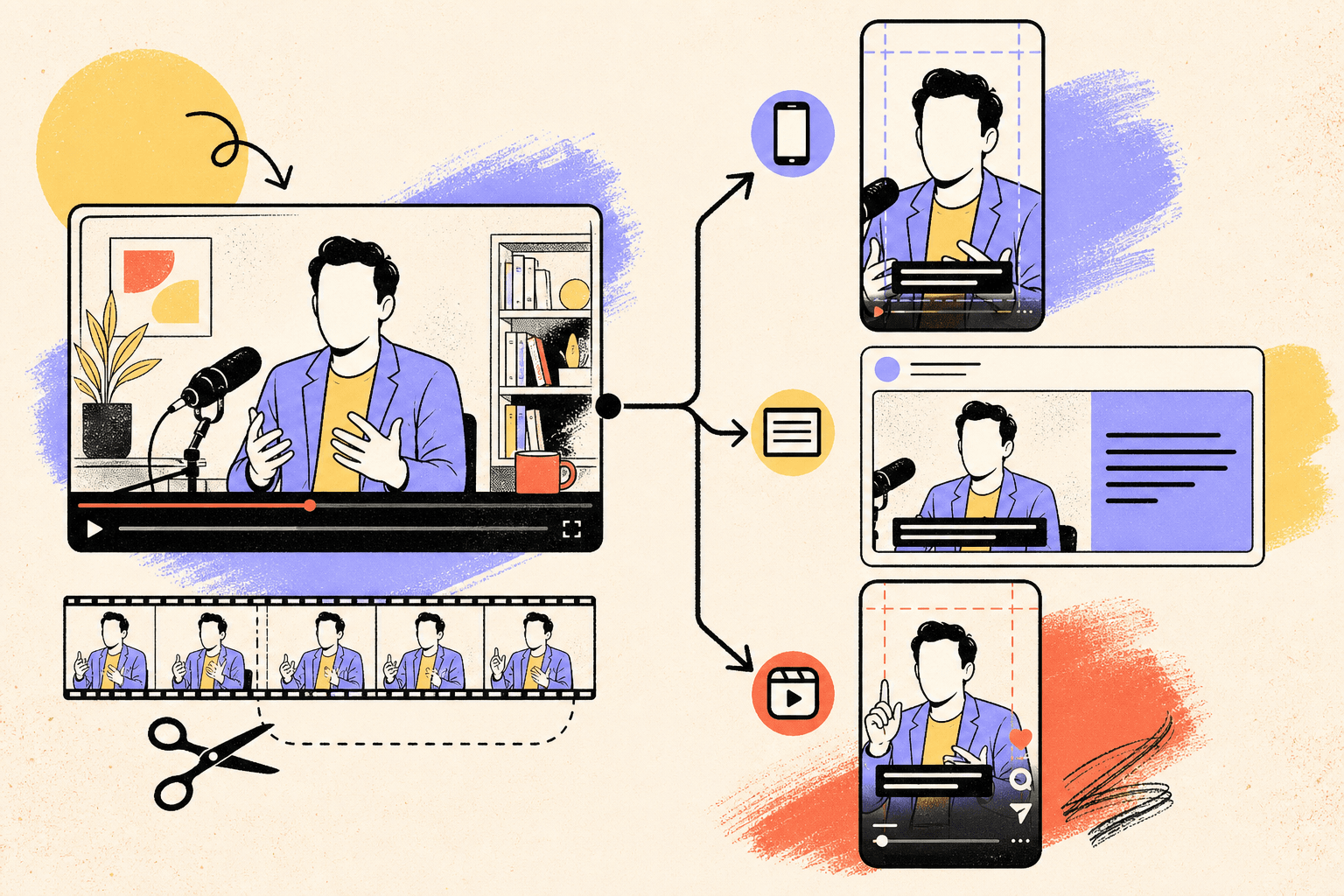
Read the video transcript
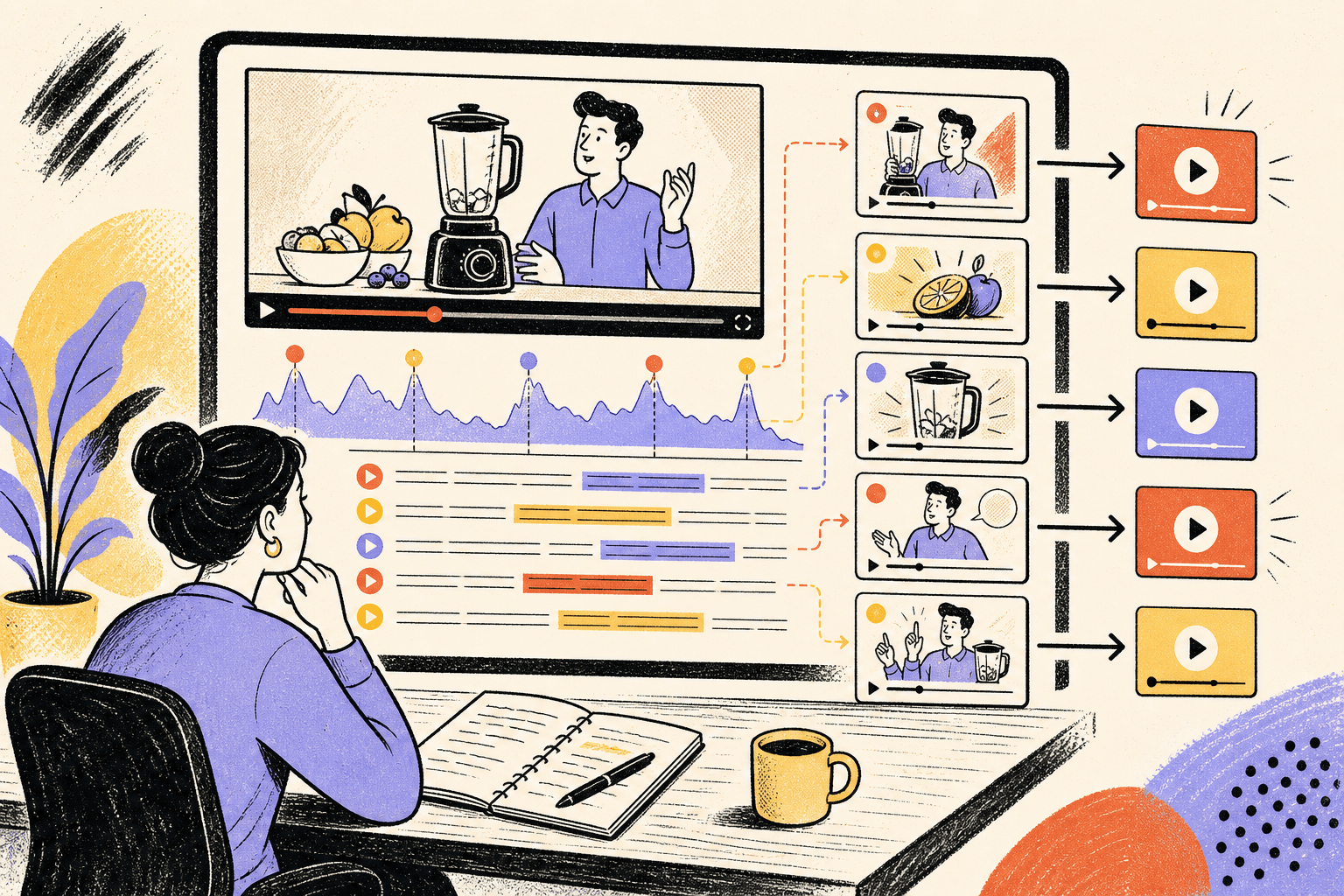
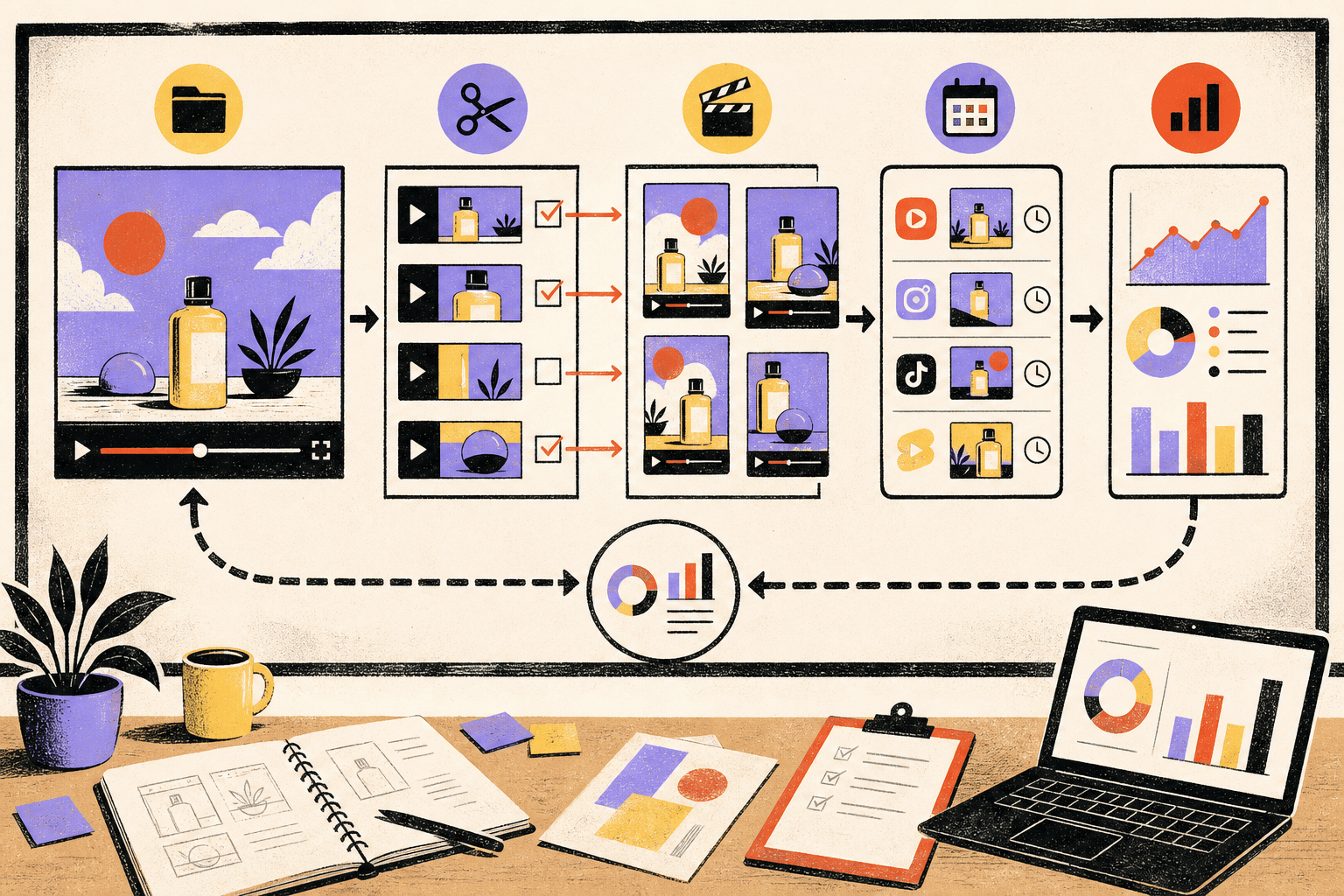
Find the best moments. A long video is scanned with transcript highlights and retention spikes to pick strong clip candidates with clear standalone value. Source video. Transcript cues. Retention spikes. Give each clip a job. Selected moments are labeled by purpose, then edited into versions for Shorts, LinkedIn, and vertical viewing with captions. Hook/insight. Platform edits. Captions + safe zone. Publish as a campaign. Clips go out in sequence, point back to the main asset or next step, and top performers are recut into stronger variants. Post sequence. Drive next step. Recut winners.
Use retention data as a lead, then watch the footage
If the long video has already been published, its audience-retention report can help you find moments worth investigating. YouTube distinguishes sustained attention, spikes and dips. It also notes that a spike can reflect rewatching because something was unclear, not just because it was compelling. YouTube’s guide to audience retention.
That qualification matters. A spike during the luggage demonstration might indicate interest in the mechanism. It might also occur because the camera missed the action and viewers replayed it to understand what happened. Turning that section into a shorter clip without fixing the view could preserve the confusion.
Watch candidate moments with the sound on, then inspect what the pictures contribute. Check whether the strongest part is a claim, an explanation or a demonstration. A sentence that sounds persuasive in a transcript may be weak on screen if it needs evidence the footage never supplies.
You won't always have retention data. A new interview or an unpublished shoot still gives you material to assess. Use the reader's question and the strength of the answer, and treat your selection as an editorial hypothesis to learn from after distribution.
Decide what the clip can honestly prove
Short edits can make a speaker sound more certain than they were. Cutting “for this particular model” or “under these conditions” may make a line cleaner while changing its meaning.
In the luggage video, a demonstration on one suitcase doesn't establish that every suitcase can be repaired the same way. Keep the relevant model or context visible. If the designer is offering an opinion about the tradeoff between weight and durability, preserve it as an opinion rather than packaging it as a universal fact.
The same care applies to customer footage. An enthusiastic reaction is evidence of that person's reaction. It isn't automatically evidence for a performance claim about the product.
A useful review question is whether the person who gave the full answer would recognize the meaning of the short edit. If the clip needs a stronger claim to be interesting, look for better material rather than strengthening the claim in the caption.
Rebuild the opening around the viewer's question
A long interview can afford introductions and rapport. A short clip needs to establish why this particular moment deserves attention.
For the wheel demonstration, a title such as “Our founder talks product” makes the viewer do the work of finding the point. An opening shot of the wheel attachment, with “Check this before replacing a suitcase wheel,” tells them what they can learn. The footage then needs to deliver exactly that explanation.
A second clip from the same interview might answer a different question: why the designer chose one wheel arrangement over another. That edit should lead with the tradeoff and show the relevant parts. It shouldn't reuse the first clip's opening simply because the text already fits the template.
These editing choices make the value of each clip clear before asking a viewer to watch it.
Give captions the same attention. Fix names, product terms and timing. A caption that appears after the action it describes can make an otherwise clear demonstration harder to follow. Review the clip at phone size; readability in a large editing window is a poor substitute for the viewing conditions you are designing for.
When two openings both preserve the meaning, give the comparison a specific question. The TikTok hook testing guide explains what to hold constant and how to decide which result would change your next edit. Use that approach to compare introductions, not to justify cutting away necessary context.
Plan a campaign without assuming people will see it in order
You can organize production around a sequence. Your viewer may encounter the fourth post first.
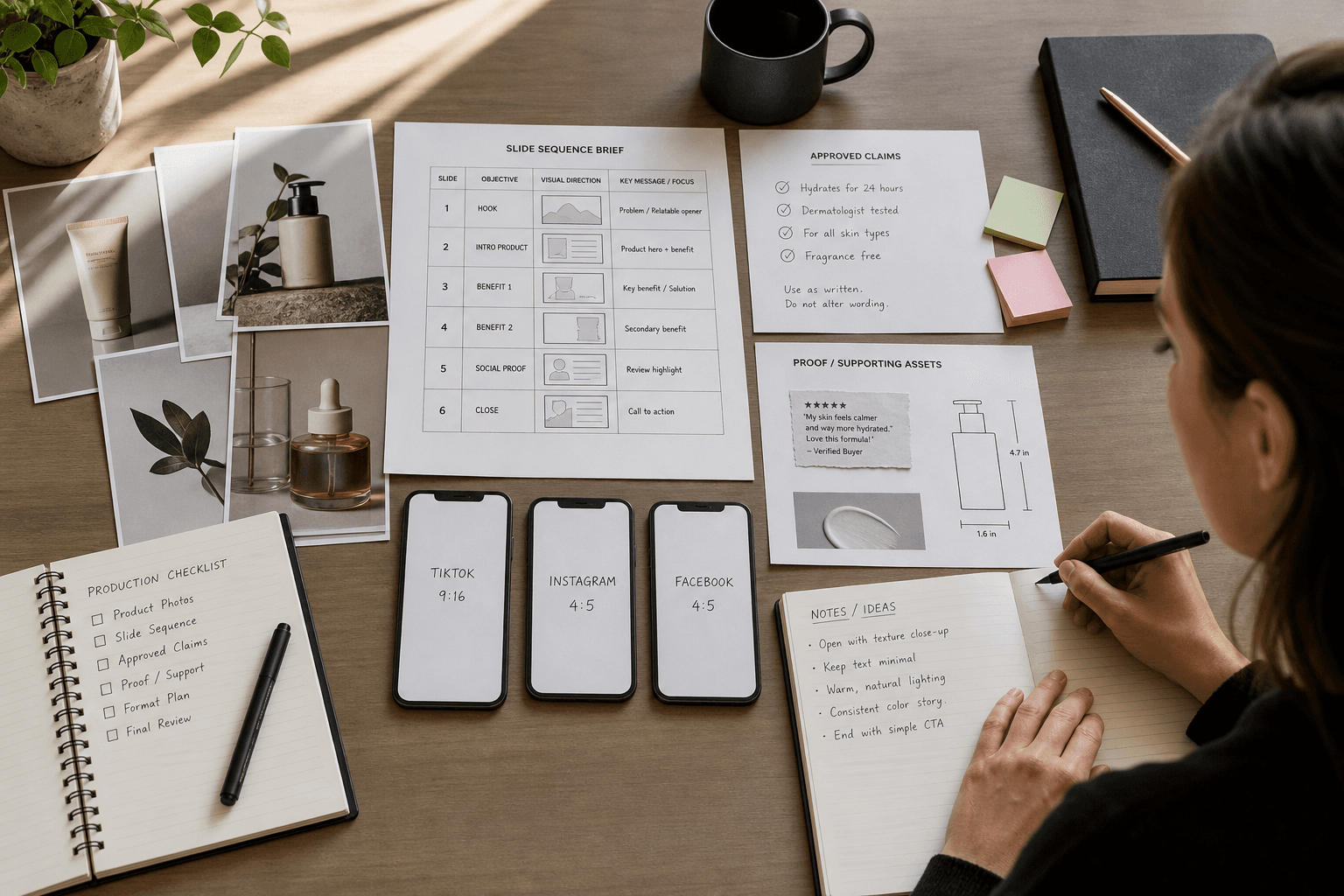
That is why a campaign of short clips needs both variety and independence. One luggage clip can explain a feature. Another can show its use. A third can address a common hesitation. Each should still make sense to someone who has seen none of the others.
This changes the brief you give an editor. “Part three of our interview” describes the source. “Explain which wheel detail to inspect, using the designer's demonstration” describes the finished piece.
For clips made from eligible public videos using YouTube's own Shorts workflow, YouTube says the Short links back to the original video. That can give an interested viewer a route to the longer explanation. Check the workflow's current eligibility and restrictions before planning around it. YouTube’s guidance on Shorts from existing videos.
A route to more detail is useful after the clip has delivered something worthwhile. It shouldn't be the only way to understand what the clip promised.
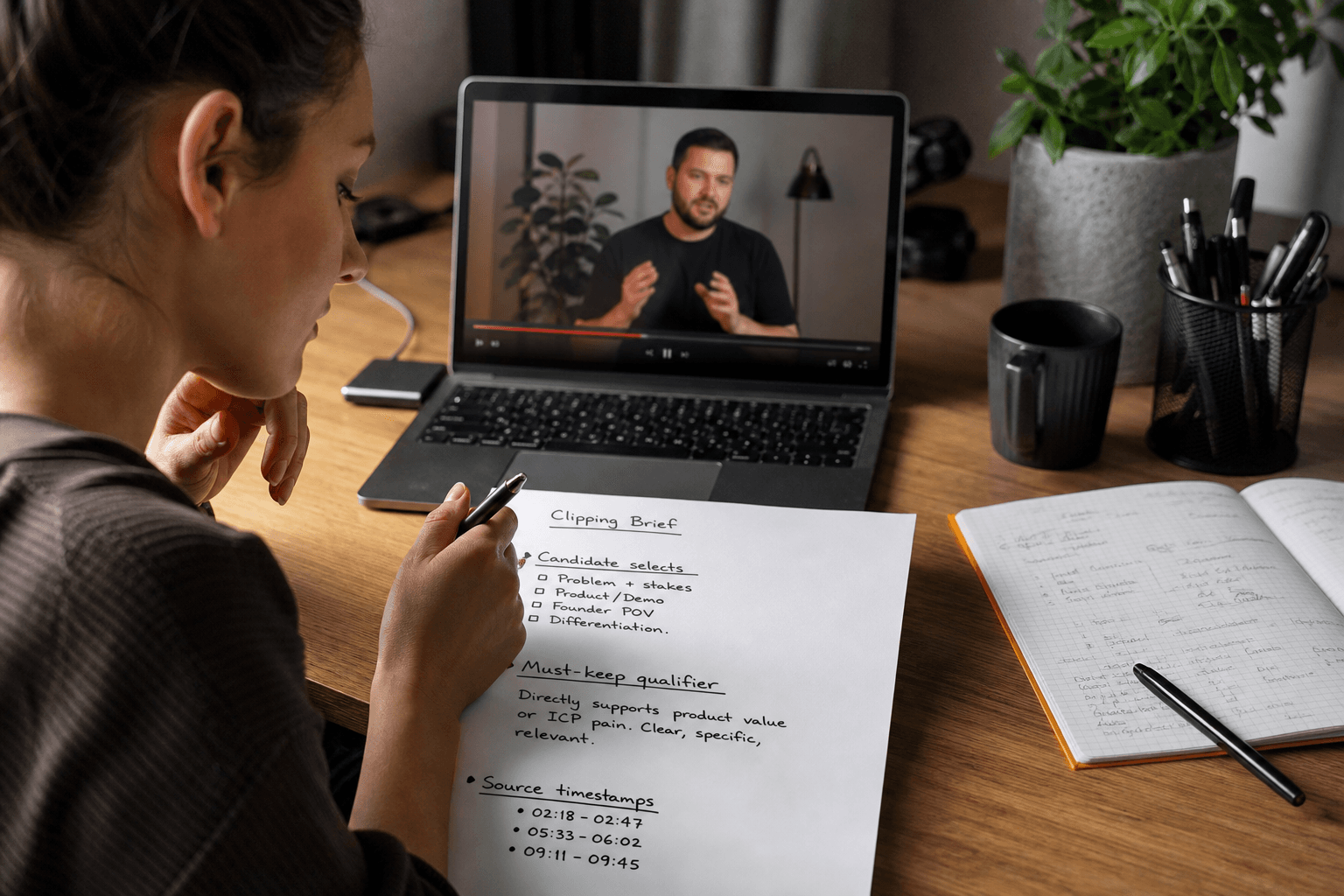
Before commissioning a batch, turn one candidate into a clipping-service brief with a traceable sample delivery. Specify the source timecodes, viewer question and qualification that must survive the cut. This makes the provider’s selection and review work explicit before clip count becomes the only comparison.
Budget the editing work, not just the clip count
The apparent efficiency of repurposing can disappear when every extract needs missing context, new footage and several rounds of explanation.
Before committing to a large batch, finish one representative clip. Use it to establish how the opening will work, how much context the footage needs and how detailed the review should be. A complicated demonstration may require more editorial care than a self-contained answer to a familiar question. Price and schedule the work accordingly.
If the interview contains three strong answers, three carefully edited clips may be the right output. Publishing nine weaker extracts to meet a predetermined count can make the whole campaign feel repetitive. The source recording does not owe you a particular number of posts.
New creator footage can fill a genuine visual gap, such as showing a product in use, but identify that need before commissioning another shoot. Adding more footage without a clearer assignment usually creates more selection work.
Before handing the recording to an editor, use the clipping planner to record candidate moments, missing context and required files. Connect that handoff to the customer questions in your organic social plan, so a batch of clips serves a continuing explanation instead of filling an arbitrary quota.
Let the response improve the next recording
After distribution, compare what viewers did with what each clip was meant to help them understand. Watch for repeated questions as well as viewing behavior. A question might signal interest, missing context or a point the edit obscured; read it alongside the footage before deciding which.
If people repeatedly ask to see the underside of the attachment, that is a concrete brief for the next recording. If they understand the mechanism but want to know which model they own, the follow-up may be a short identification guide. Another general interview excerpt would leave that need unanswered.
This is where clipping can improve the larger content production process. Start the next interview with better questions, clearer demonstrations and the visual evidence that the last batch was missing. If you need a clipping partner, visit Clippin, our clipping business, and bring the source recording and the channels you want to publish on. A YouTube Short, an Instagram Reel and a TikTok cut should each deliver a complete idea in the context where people will encounter it.
Clipping selection planner
Decide which moments deserve to become separate videos before an editor starts cutting. Complete one copy for each candidate clip.
Watch beyond the proposed in and out points. A strong sentence may rely on context elsewhere in the recording; keep that context or choose another moment.
See a completed example
- Source recording and candidate timecodes
- Example: Product interview, 12:40–14:05. Speaker explains why customers hesitate before their first purchase.
- One question this clip answers
- What should someone measure before ordering this product? Keep the answer narrow enough to stand alone.
- Context that must survive the cut
- Keep the product category and the condition attached to the recommendation. Remove the introduction only if a new viewer can still follow the answer.
- Opening and ending
- Open on the concrete decision, then preserve the explanation that supports it. End once the answer is complete, rather than forcing a cliffhanger.
- Reframing and supporting visuals
- Check whether the speaker and demonstrated object remain visible in a vertical crop. Add an accurate close-up only where it clarifies the explanation.
- Destinations and exports
- Name the intended Shorts, Reels or TikTok placements. Request readable captions and a clean master; verify each platform’s current requirements.
- Context and accuracy review
- Have someone who has not watched the full recording explain the clip’s point. Rework it if they infer a different claim or cannot identify the subject.
Make your own brief
Your entries stay in this tab. Download before leaving; they are not saved or sent to Zagged.
Sources & further reading
- Create YouTube Shorts from your videos - YouTube Helpsupport.google.com
- Measure key moments for audience retention - YouTube Helpsupport.google.com
Published by Zagged Editorial. Updated .