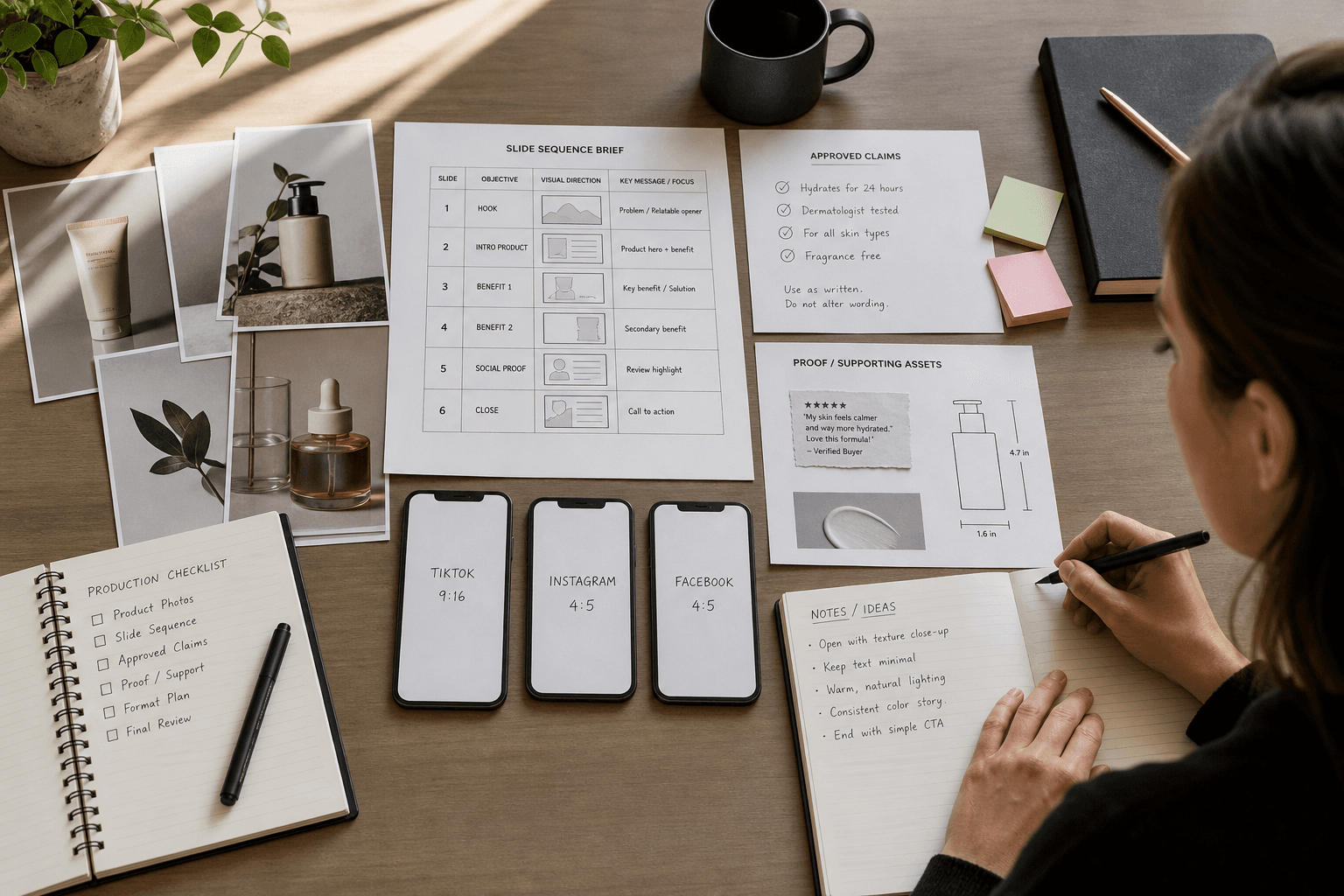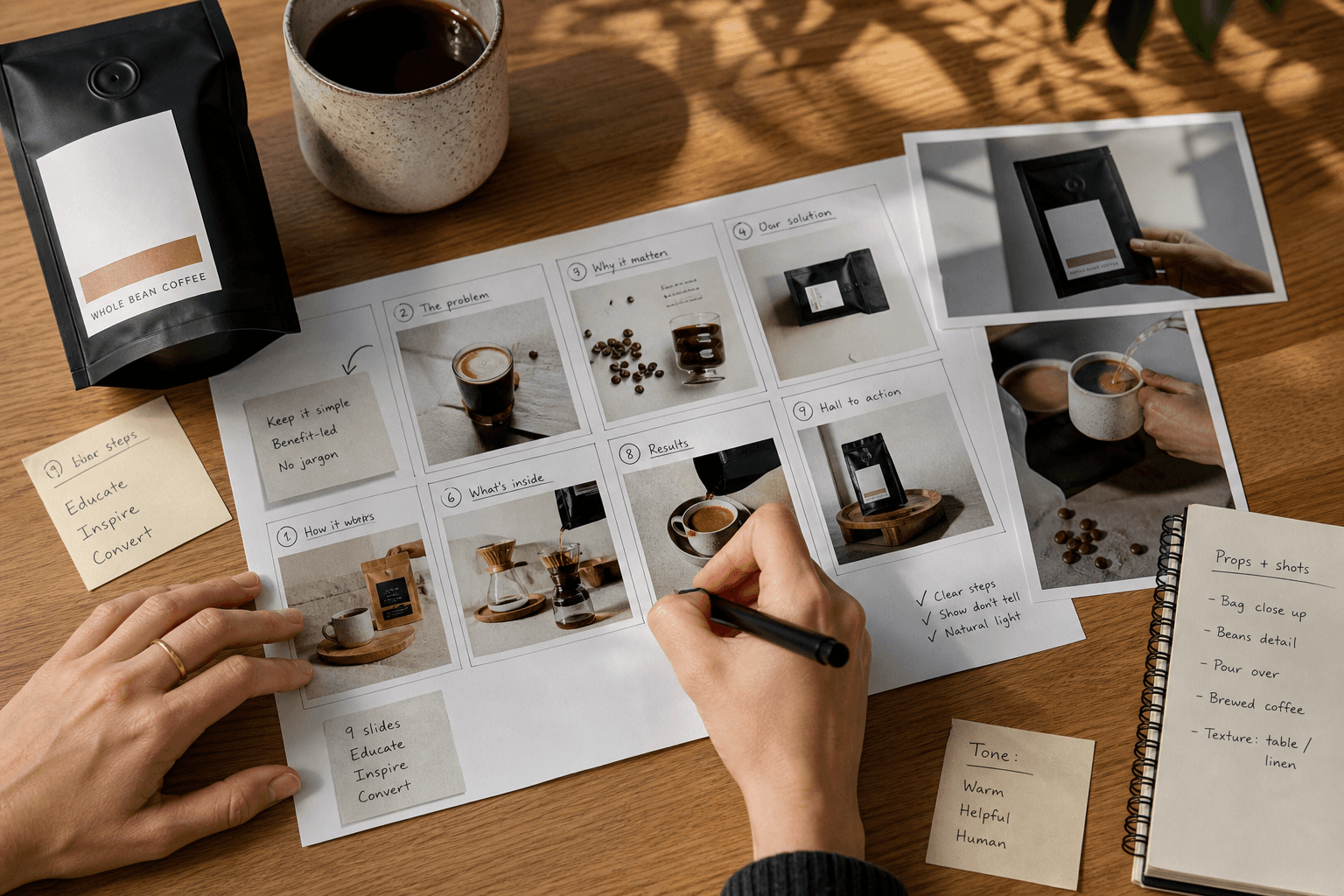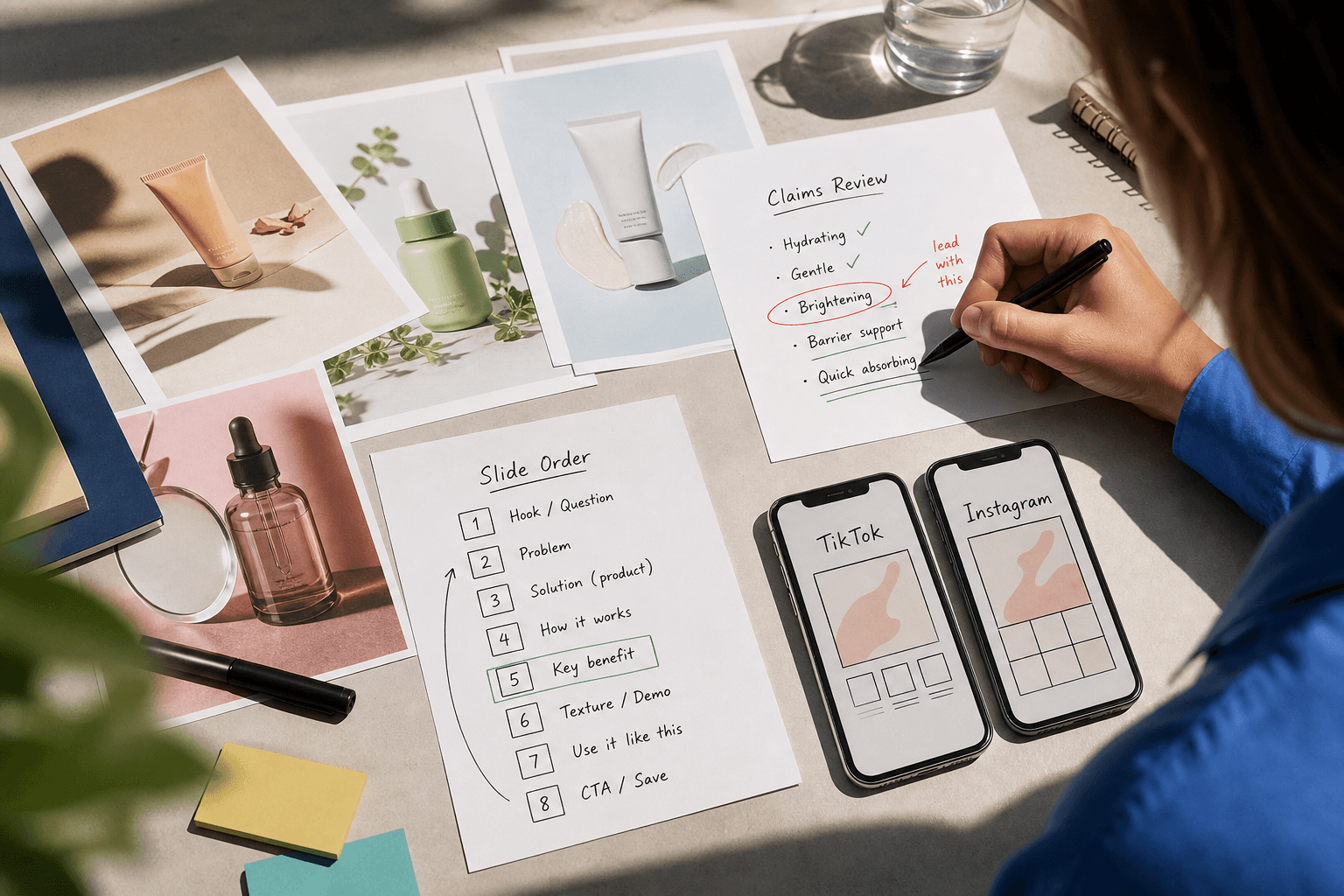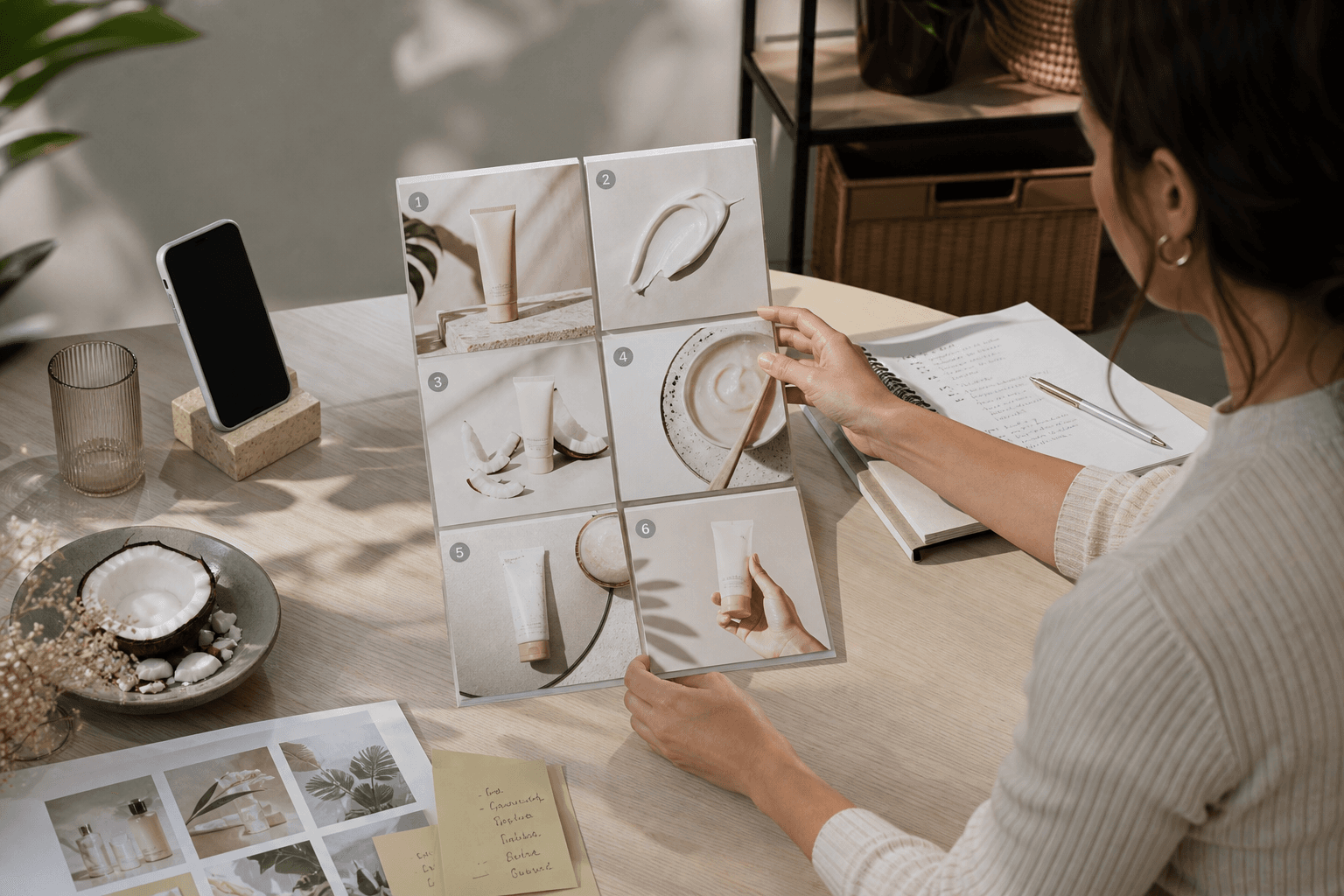
A common mistake looks efficient right up until it goes live. The team has solid product photography, a launch date that will not move, and no interest in organizing another shoot this week. So the brief becomes: make a TikTok slideshow.
What comes back is tidy, on-brand, and strangely unconvincing. The frames are fine. The story is not.
That is the real question behind TikTok slideshow content for brands: not whether slideshows are fashionable, and not whether TikTok has stopped being a video platform. The useful question is whether still frames can tell the product truth clearly enough for this job.
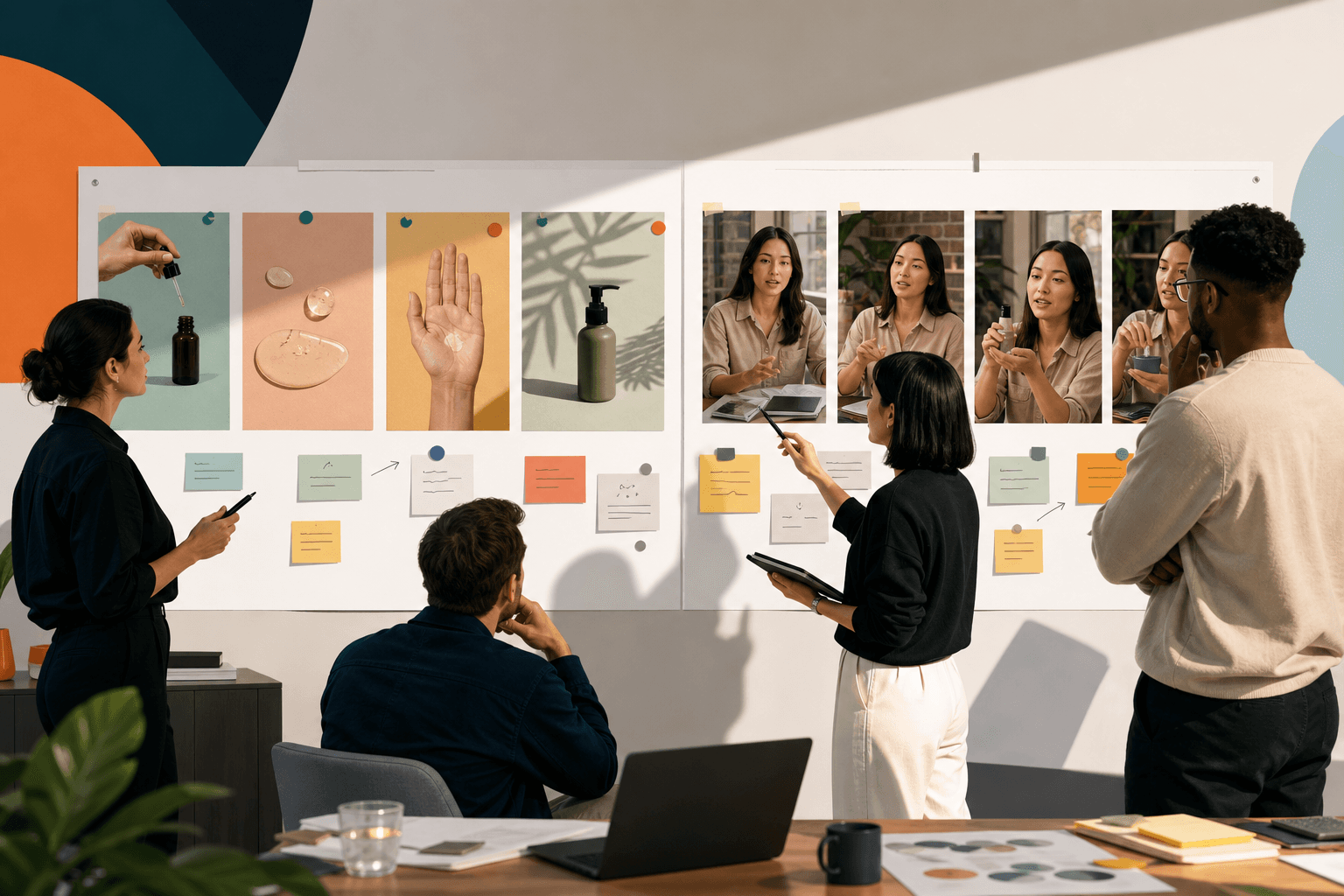
My recommendation is straightforward. Use a slideshow when the product story is sequential, comparative, or catalog-like, and your team already has the assets to explain it. Choose creator-led video when movement, texture, reaction, or spoken nuance is doing the convincing. If you use a slideshow to avoid filming proof the buyer actually needs, you save time in production and lose it again in weak creative.
If the same explanation also needs an Instagram version, plan the sequence rather than assuming the export is the only change. The guide to commissioning an explanatory Instagram carousel focuses on what each frame adds. When hiring help, use the slideshow production proposal comparison to establish who owns the story, copy, design and adaptations.
The decision is really about proof
A slideshow works when each frame can carry a clear piece of the argument. Think ingredients, routine order, bundle logic, gifting guides, feature breakdowns, or a simple "pick the right one" comparison.
TikTok’s own tools support image-based paid creative. In Ads Manager, carousel ads are available for TikTok in-feed placements, and TikTok lists objectives including Traffic, Web Conversions, App Promotion, and Reach (Auction) in its carousel ad setup guide. That matters because it confirms image-led paid creative is a current platform format, not a workaround somebody invented in a meeting.
But that does not mean a slideshow is automatically a strong choice. TikTok’s commercial content quality guidance emphasizes clear product information, use scenarios, and actual product usage in creator commercial content, according to TikTok’s content quality standard. The useful reading of that guidance is not "always show a person." It is "make the proof legible." Sometimes a frame-by-frame explainer does that better than a rushed talking video. Sometimes it absolutely does not.
If your team is trying to build repeatable organic formats rather than chasing whatever happened to pop once, the logic is similar to building an organic social strategy your team can keep improving: give each format a job, then judge it by whether it does that job clearly.

Read the video transcript
You may have polished product photos and a deadline, yet the slideshow still feels unconvincing because buyers need proof, not just tidy brand assets arranged neatly. Still frames work when each image can advance a clear argument, like steps or comparisons. If motion or texture does the convincing, video usually earns belief faster. Imagine a magnesium drink mix with packaging shots, ingredient visuals, and approved facts. A slideshow can explain what it is, when to use it, and who it's for. That works because every frame has a job: formula, routine placement, and audience fit. When slides only look attractive, viewers understand less and hesitate longer. There’s a limit: if a buyer needs to see texture, layering, or real use, stills can miss the decisive evidence. Then a slideshow should support video, not replace it. Before making anything, ask what the buyer must see to believe. If still frames can show that clearly, build a focused sequence; if not, film the proof first.
When a slideshow is the right production format
Choose a slideshow when the bottleneck is clarity or production efficiency rather than on-camera performance.
This usually applies when you already have usable still assets: packaging, ingredient visuals, before-and-after photography, product macros, UI screens, comparison charts, review excerpts, or routine imagery. It also helps when you need several variants quickly and do not want every new angle to require another creator schedule, another product send-out, and another approval loop.
The best fit is a product with a story that naturally breaks into steps. A viewer should be able to move from frame one to frame six and understand more with each swipe.
Say you sell a magnesium drink mix. You have packaging photography, ingredient renders, compliance-approved product facts, and one landing page for the hero SKU. You do not have creator footage yet, and the main job is to explain what the product is and where it fits.
A slideshow is a sensible lead format here.
A workable six-frame sequence could be:
- Frame 1: "Your evening routine doesn't need three more products."
- Frame 2: Pack shot with plain-language setup: "A magnesium drink mix for one simple nightly step."
- Frame 3: Ingredient visual: "What is in it, and why that formula matters."
- Frame 4: Routine shot on a bedside table or kitchen counter: "Mix with water after dinner or before bed."
- Frame 5: Audience qualifier: "Best for people who want a repeatable habit, not a complicated stack."
- Frame 6: CTA: "See ingredients, directions, and flavors."
The point is not to fill six frames because six looks complete. Each frame needs a job. Frame 3 explains the formula. Frame 4 places the product in life. Frame 5 narrows who it is for. That usually improves comprehension, even if somebody objects that it feels less broad.
Here is the sort of wording and direction that makes the brief usable:
"Frame 2 headline: One nightly mix, not another complicated stack. Keep the line short enough to read in one pass."
"Frame 3 edit note: Show ingredient art only if the copy explains why the viewer should care. Do not turn this into decorative science wallpaper."
"Frame 6 decision note: One destination only. Build the whole sequence toward the hero product page."
That last note comes from platform structure, not preference. TikTok’s standard carousel specs say these ads use one caption, one CTA, and one URL for all images unless you are using the catalog-powered version, according to TikTok’s carousel ad specifications. That changes the production recommendation. If your team wants one paid slideshow to send people to three separate SKU pages, standard carousel is the wrong setup. You either simplify around one destination, check whether catalog execution applies, or choose another format.
That is the kind of research point that should actually change the brief. Otherwise it is just decorative citation.
When creator video is doing work a slideshow cannot
If the product needs motion to be believable, do not let a slideshow carry the whole campaign.
This is the simpler rule, and often the more expensive one. Texture-heavy skincare, apparel fit, hair tools, kitchen products, cleaning transformations, and anything that depends on seeing real use usually need live demonstration. The buyer is asking, quietly but firmly, "What does this look like when a person actually uses it?"
For example, imagine you are launching a gel moisturizer and the key selling point is that it layers cleanly under sunscreen and makeup. You may have excellent still photography. Unfortunately, still photography cannot show pilling, spread, absorption, or layering very well. That is not a moral failure. It is just a format limit.
Here, creator-led video should be the lead asset.
A usable brief excerpt might read like this:
Opening shot: fingertip dips into the jar close enough to show texture.
Spoken hook: "If your moisturizer starts pilling under makeup, watch what happens when this layers with sunscreen."
Middle shots: apply on cheek, wait long enough to see finish, then show sunscreen and makeup on top.
Edit note: "Do not cut away before the proof lands. We need to see the product behave on skin, not just hear that it behaves well."
That same product can still justify a slideshow, but not as the lead proof. Use the slideshow as a secondary explainer after the video establishes belief.
A companion sequence could be:
- Frame 1: "Why this one layers cleanly"
- Frame 2: texture close-up
- Frame 3: routine order: moisturizer, sunscreen, makeup
- Frame 4: skin-type qualifier
- Frame 5: pack shot and destination CTA
Notice that this example carries through two decisions. First, the product needs motion, so video leads. Second, the brand still benefits from a slideshow because the explanatory points can be separated and reordered for testing. That is a much stronger role for the format.
If you are comparing openings, keep the rest of the creative stable enough to learn something specific. Our guide on TikTok hook testing: how to learn what actually works is worth reading before you ask an editor to make five wildly different versions and call it a test.
Organic and paid use the same idea, but not the same setup
Creatively, the same slideshow idea can often work in both organic and paid contexts. Operationally, the details diverge fast.
For organic posting from a brand account, a slideshow can be a useful recurring format for education, comparison, or routine guidance. For creator-posted commercial content, TikTok says creators promoting a brand, product, or service must use the platform’s content disclosure setting, as explained in TikTok’s guidance on promoting a brand, product, or service. That matters if you are commissioning creator-posted slideshow content rather than only making assets for your own account.
Music is another detail teams treat as an afterthought until it delays approval. TikTok says promotional content should use commercially cleared music from its Commercial Music Library, and Business Accounts only access commercially cleared sounds, according to TikTok’s commercial music guidance. So yes, a slideshow may be easier to assemble than a shoot. It still needs rights discipline.
If you are building paid slideshow variants with AI-assisted assets, TikTok’s Brand Safety Center says advertisers can add an AI-generated-content disclaimer label in Ads Manager through a toggle, per TikTok’s brand safety information. The limit here is important: this tells you the platform offers labeling for ads, not that every AI-touched asset is treated identically in every context. Check current launch requirements at the moment you traffic the ad.
What to inspect after launch
Do not ask a slideshow to answer the same question as a creator testimonial.
If you run a slideshow, inspect where the story stops earning attention and what that implies about the sequence. In paid, compare versions that change one meaningful thing, such as opening proposition or frame order, while keeping the rest consistent enough to make the comparison fair. In organic, inspect comments for confusion, repeated questions, or frames that people screenshot and save. Those signals are not identical, but they can both tell you whether the explanation is carrying its weight.
A useful readout sounds like this: "Problem-first opening held attention better than ingredient-first for cold traffic, but people asked what time of day to use it, so the next version should move routine placement earlier."
An unhelpful readout sounds like this: "Slideshows don't work for us." Usually that means the team tested three different ideas, changed the landing page, rewrote the offer, and learned only that chaos is hard to interpret.
If your internal review process needs a cleaner structure for deciding what to make again, ready-to-post UGC cost: compare the scope before the price is helpful for another reason besides cost. It forces a useful question: what exactly are you buying, and what internal work are you quietly keeping for yourself?
When outside production help makes sense
Outside help is worth considering when the team already has assets but needs someone to turn them into a coherent mobile story, or when you need slideshow variants and creator-led video to work together rather than as separate one-off projects.
If the need is storyboard, editing, and variation planning for TikTok social assets, Zagged’s social production process for slideshows, editing, and creative variations is the relevant place to look. If the product needs believable human demonstration, creator-led work is the more relevant service path.
For that route, Zagged’s public UGC production offer includes a concept and hook, a real creator, editing and captions, a final video file, and paid and organic social usage. As of October 21, 2026, Zagged’s live UGC pricing page shows $99 per fully edited video with a 50-video minimum, which makes the minimum order $4,950. That is Zagged’s current public offer, not an industry average and not evidence that this scope is right for every brief. Confirm practical details such as revisions, raw footage, exclusivity, turnaround, and permissions in writing before you approve anything.
If you need a quick decision this week, use this one: does the buyer need to see motion to believe the product? If not, a slideshow can be the right TikTok format, provided each frame carries a clear part of the story and the paid setup supports the destination you need. If yes, film the proof first and let the slideshow do the explaining around it.
Social slideshow storyboard
Build a sequence around one customer question. Decide what each frame contributes before collecting decorative product photos.
The sequence below is an example, not a required slide count. Combine or remove frames that repeat the same point, and verify the export requirements for your chosen platform.
See a completed example
- Reader question and destination
- Example: Which size bag fits a laptop and a day’s essentials? An Instagram carousel for people comparing sizes.
- Opening frame
- Show both bags beside the same laptop. State the specific choice: “Which size fits your everyday carry?”
- Evidence frames
- Use the same camera angle for each bag. Show the actual laptop, charger and bottle inside; label only measurements that have been verified.
- The tradeoff
- Explain the extra carrying room versus external size. Avoid calling one option best for everyone.
- Closing decision
- Tell the reader what to measure or compare next. Link to the relevant product information when the placement supports it.
- Design and accessibility
- Use readable text and consistent comparison scale. Supply descriptive alt text where supported. Keep important information in the caption too.
- Assets and approval
- Attach approved photos, measurements and copy. Identify one approver, placement-specific exports and a final check on a phone.
Make your own brief
Your entries stay in this tab. Download before leaving; they are not saved or sent to Zagged.
Sources & further reading
- How to create a Carousel Ad | TikTok Ads Managerads.tiktok.com
- About TikTok's content quality standard for creator commercial contentads.tiktok.com
- Specifications for Carousel Ads | TikTok for Businessads.tiktok.com
- Promoting a brand, product, or service | TikTok Supportsupport.tiktok.com
- Commercial use of music on TikTok | TikTok Supportsupport.tiktok.com
- TikTok Brand Safety Centerads.tiktok.com
- UGC Production for Paid Social | Zaggedzagged.com
- Zagged UGC pricingzagged.com
Published by Zagged Editorial. Updated .