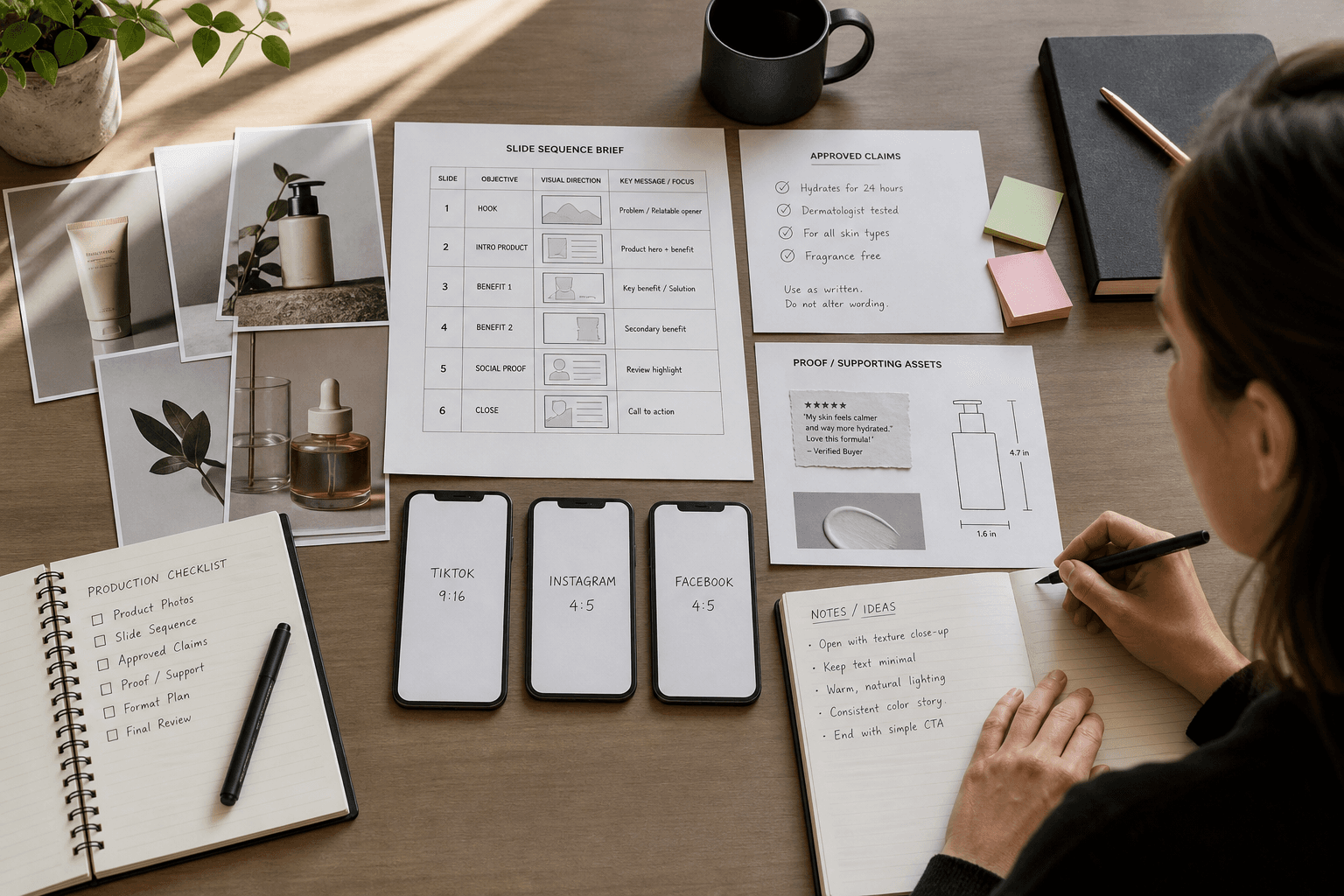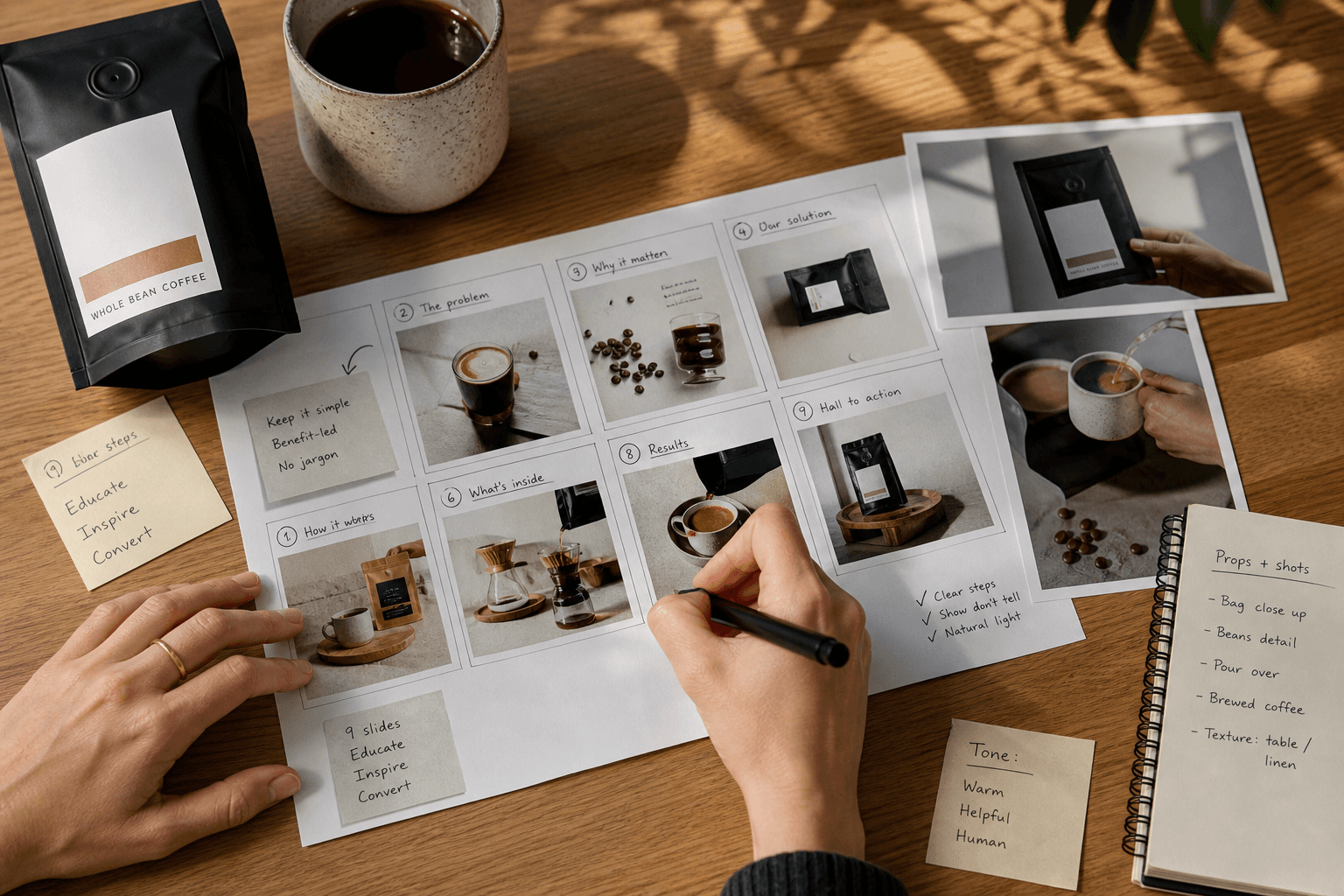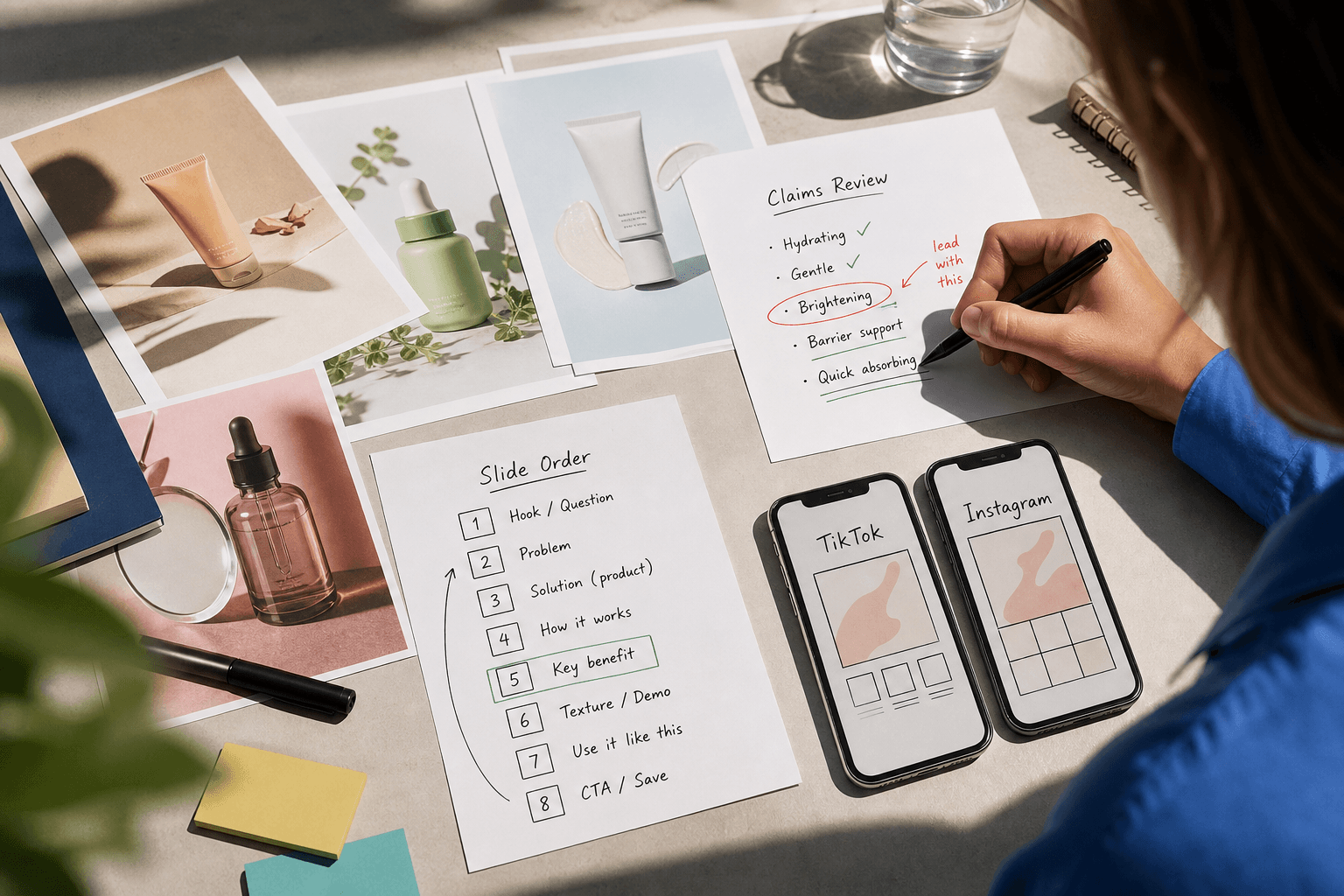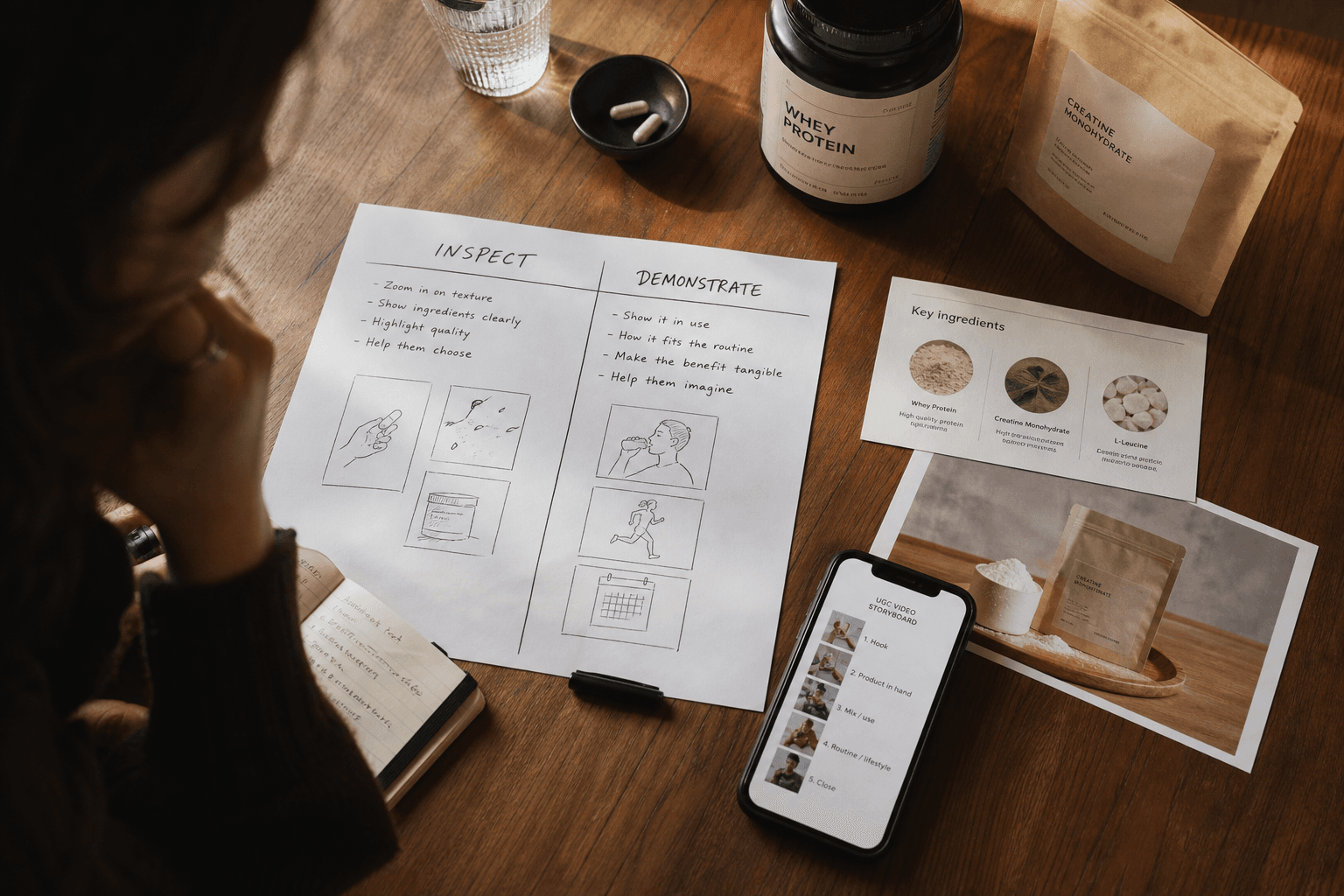
A common mistake goes like this: the team assumes TikTok or Instagram means video, briefs a creator, and gets back something pleasant but vague. The product needed a clean sequence of proof, not a person talking around it. The reverse happens too. A brand turns product photos into a tidy carousel, then learns the hard way that nobody really understands the item until they watch someone use it.
That’s the actual product slideshow vs UGC video decision. You’re not choosing the more modern format. You’re choosing the clearest way to show what a buyer must understand before they click, save, or buy.
My recommendation is straightforward. Choose a slideshow when the explanation can be carried by still product evidence in a deliberate order. Choose creator video when the explanation depends on human demonstration, spoken clarification, or trust transferred by a real person using the product. If you start there, most of the format debate gets less mystical and more useful.
Decide what the customer has to understand
The fastest way to choose badly is to brief around style words: authentic, educational, engaging, premium. None of those tells an editor what the buyer needs to see.
A better opening question is: what would make this product clear to a cold viewer on this platform?
If the answer is “they need to compare variants, inspect ingredients, understand setup steps, or see what comes in the bundle,” a slideshow is often the cleaner buy. If the answer is “they need to see texture, motion, fit, ease of use, hand placement, or hear a person explain where this fits in real life,” creator video usually earns its keep.
That distinction lines up with how these formats behave on platform, but the platform docs do not settle the creative argument for you. TikTok supports carousel ads in Ads Manager, including uploads of multiple images, so image-sequence creative is a real paid option there, not a fallback you use with an apologetic tone in the meeting (TikTok carousel ad creation support). What that documentation does not prove is that slideshows beat video, or that video beats slideshows, in every case. It proves format support, not universal creative hierarchy.
If your team is buying slideshow production specifically, the useful comparison is not just design quality but who owns the editorial work: hook, order, on-slide copy, and platform builds. Zagged’s guide on buying a social slideshow production service is worth reading before you approve a scope, because the expensive mistake is often paying for layout when the real job is story logic.
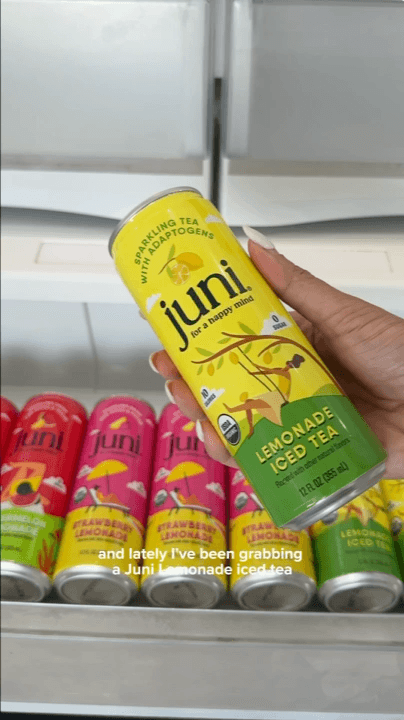
Read the video transcript
You can spend on social content and still leave shoppers confused, because the wrong format hides the proof they need before they’ll click, save, or buy. The choice isn’t about what feels more modern. It’s about whether understanding comes from inspecting still evidence in order, or watching a person demonstrate use. Imagine a supplement blend where people mainly need ingredients, routine steps, and variant differences. A slideshow can answer those cleanly, without a person talking over details. But if questions are about taste, texture, or whether a routine feels realistic, video earns its place because pace, reaction, and everyday context are harder to fake. Before production, write the single question a cold viewer must understand first, then gather only the approved proof that shows it on screen. One caution: platform support doesn’t mean every format works equally well, and one carousel message can strain if you’re cramming multiple arguments or destinations into it.
When a slideshow is the better commission
A slideshow works best when the product story is inspectable. The buyer can understand it by moving through evidence one frame at a time.
Say you sell a supplement blend. The first customer question is not “which creator should introduce this?” It’s closer to: what’s in it, what does each component do in the routine, how do I use it, and which option should I buy?
If you already have clean packshots, approved ingredient names, serving visuals, and a simple routine sequence, the first asset might be a slideshow rather than creator video.
A usable brief note could look like this:
- Slide 1: front-of-pack on plain background. Copy: “Trying to simplify your morning stack?”
- Slide 2: ingredient callout crop. Copy: “Three ingredients shown clearly, not scattered across three tubs.”
- Slide 3: scoop, glass, shaker. Copy: “One scoop. One step. Part of a quick morning routine.”
- Slide 4: back-of-pack or label detail. Copy: “Show the details buyers usually zoom in on.”
- Slide 5: two SKU packshots side by side. Copy: “Choose by routine fit, not by guessing from the name.”
The reason this works is simple. The viewer’s job is inspection. A person talking over the top of those details may actually make the asset less clear.
This is also where production can be lighter, assuming the still assets are good enough. You still need editorial work. Someone has to decide the order, write copy that stays inside approved claims, and make sure each frame earns its place. But you may not need to ship products to creators, wait for filming, or solve performance issues that are really explanation issues.
There is one useful platform constraint here. TikTok’s carousel specs state that standard carousel ads use one caption and one CTA across all images, with one URL for all images unless catalog-powered links are used (TikTok carousel ad specifications). That makes slideshows a better fit when one sequence supports one message and one destination. If your concept needs several different arguments or several different next steps, separate assets usually make more sense than overloading one carousel.
For Instagram, the same basic logic applies even though the in-feed experience differs. If the customer question is mostly explanatory and can be answered in a swipeable sequence, a carousel is often a clean choice. Zagged’s guide on Instagram carousel content for brands is useful here because it keeps the format focused on one job instead of trying to turn every post into a brochure.
When creator video is doing work slides can’t
Now keep the supplement example, but change the problem. The landing page already explains the ingredients. What keeps coming up in comments and DMs is taste, texture, and whether the routine feels realistic in a normal morning.
That is not a slide-order problem anymore. That is a demonstration problem.
A creator brief note might say:
“Open in the kitchen with the tub already in frame. First line: ‘If your supplement shelf is getting a bit ridiculous, this is the one I’d actually keep in the morning.’ Show scoop, mixing shot, quick sip, then the product on counter while explaining where it fits in a simple routine. Do not claim outcomes. Keep the spoken explanation to routine, taste, texture, and ease.”
Now the person on camera is carrying information the still sequence couldn’t carry well: pace, use, reaction, and everyday context.
Imagine a second product: a kitchen tool with an unfamiliar use case. If the buyer can’t understand the value until they see the grip, motion, and result in real time, a creator-led explainer is the better buy. A slideshow can help later with retargeting or product comparison, but it’s not the first format I’d choose for the opening explanation.
A brief excerpt for that tool might read:
“Shot 1: drawer open, tool picked up in one hand. Shot 2: close-up of grip and first use. Shot 3: side angle showing full motion without jump cuts. Line to record: ‘This makes sense once you see the angle.’ End on finished result next to the tool.”
That sequence tells you something important about approvals too. For creator video, you don’t just inspect whether the script sounds natural. You inspect whether the footage actually proves the line being spoken.
If you need real creator explanation rather than still-based production, Zagged’s human UGC production is the relevant service. The public UGC page says each finished video includes a concept and hook, a real creator, editing and captions, a final video file, and use for paid and organic social (Zagged UGC offer). The live order page listed $99 per fully edited video with a 50-video minimum, for a $4,950 minimum, as of November 2026 (live UGC order configuration). That’s Zagged’s public offer, not an industry average. You should still confirm rights, revisions, raw footage, and posting responsibilities in writing.
If your decision is really about workload rather than format alone, this guide on UGC creator vs UGC agency helps separate creative fit from coordination burden.
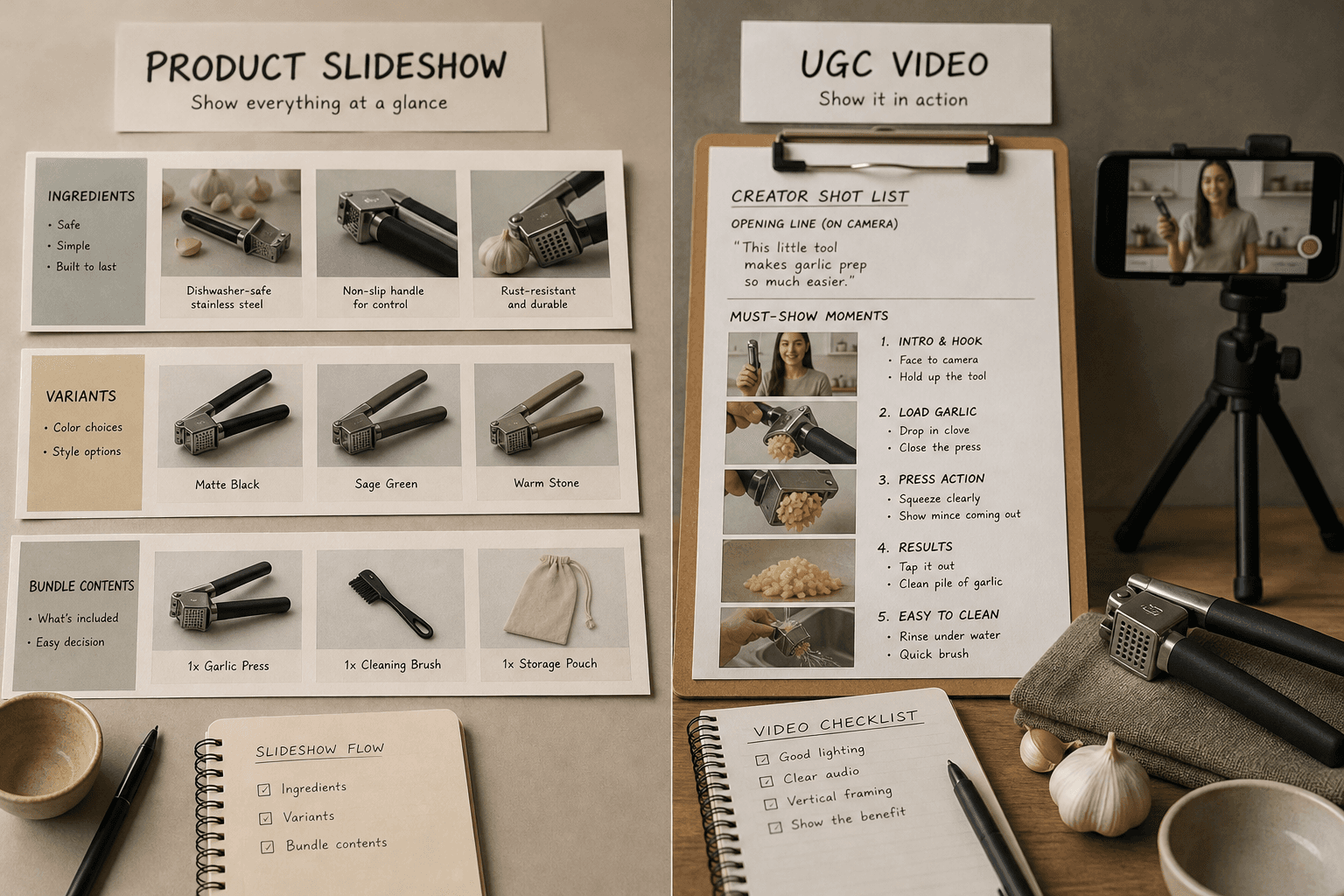
Compare both formats on the same terms
It helps to compare slideshow and creator video against the same questions, rather than using one set of standards for stills and another for video.
| Criteria | Product slideshow | Creator UGC video |
|---|---|---|
| Product truth | Best for ingredients, variants, steps, bundles, side-by-side comparisons | Best for use, motion, fit, texture, spoken context, reaction |
| Assets required | Strong stills, approved claims, sequence plan | Real creator, shipped product, shot list, script notes, edit |
| Internal workload | More review of copy, order, and claim placement | More creator coordination, shot review, and performance review |
| Iteration | Easier to revise text, crops, order, and offers | Easier to test different hooks if footage is strong; harder to fix missing proof |
| Delivery scope | Often one core sequence adapted by platform | Often one shoot yielding several cuts if the source footage is strong |
| Intended placement | Strong for Instagram carousel and some TikTok paid image-sequence use | Strong for TikTok video and Instagram Reels-style use; can also support paid and organic mixes |
The table is only useful if you turn it into approval questions.
For a slideshow, inspect whether the sequence answers the buyer’s question without the caption doing rescue work. If slide three vanished, would the story still hold up? Are the important claims attached to visible proof, or are they just floating on top of product photos because someone needed more text on screen?
For creator video, inspect whether the footage proves the line. If the creator says the tool is easy to use, do you actually see a clear uninterrupted use moment? If they say the product fits into a morning routine, do you see that routine in a believable way, or do you just hear about it while the editor keeps cutting back to packshots?
That’s also why “track performance” is too vague to help. After launch, inspect specific things and let them change the next brief. If the slideshow gets saves but weak clicks, the sequence may be useful but too soft on urgency. If the creator video gets attention but comments keep asking the same basic product question, the personality may be outrunning the explanation. If viewers drop early on the creator version, inspect whether the opening line sets up the demo quickly enough. If they swipe past a carousel after frame one, inspect whether the first slide promises a sequence worth continuing.
Our guide on an organic social strategy your team can repeat is helpful at this stage because it pushes teams to separate what they observed from what they inferred. That sounds obvious until a popular post convinces everyone they’ve discovered a law of physics.
Platform rules that should change the brief
There are a few platform facts worth building into the production plan.
On TikTok, promotional content disclosure is required when users post content promoting a brand, product, or service through the platform’s content disclosure setting (TikTok branded content disclosure rules). TikTok also says that using this disclosure setting does not affect distribution in feeds. The practical consequence is not a prediction about performance. It’s simpler: if a creator is posting or participating in a branded workflow, disclosure ownership needs to be part of the brief.
On Meta, AI labeling matters if your Instagram ad workflow includes AI-generated or significantly AI-edited creative. Meta says “AI info” labels apply to ads created or significantly edited with its generative AI creative tools, and it is expanding transparency around third-party AI signals (Meta GenAI transparency for ads). Meta has also described broader labeling for AI-generated or manipulated content across its platforms (Meta labeling approach for AI-generated content). That doesn’t make AI creative unusable. It does mean you should not let generated scenes stand in for proof that really requires real footage, especially if the customer’s decision depends on believable use.
What to send before production starts
The handoff for either format should settle the same core issues: what the customer must understand, what proof is approved, what must appear on screen, and where the asset will run.
For the supplement example, that means sending the approved ingredient names, routine language your compliance team is comfortable with, details that must appear on screen, and the intended placements. For the kitchen tool, it means identifying the exact motion that makes the product click, not just saying “show product in use.”
If you’re commissioning slideshow production, ad creative editing, or ongoing organic production and distribution, Zagged’s process overview for social production and distribution is the relevant starting point. If the real issue is repurposing existing footage into shorter cuts rather than choosing between slideshow and creator-led production, send clipping inquiries to Clippin. That’s the right service for clipping and repurposing work.
The next move is not to order both formats out of nerves. Pick one product. Write the single customer question the asset must answer first. Then decide whether that answer depends on inspection or demonstration, and brief the format that can show the truth with the least strain.
Social slideshow storyboard
Build a sequence around one customer question. Decide what each frame contributes before collecting decorative product photos.
The sequence below is an example, not a required slide count. Combine or remove frames that repeat the same point, and verify the export requirements for your chosen platform.
See a completed example
- Reader question and destination
- Example: Which size bag fits a laptop and a day’s essentials? An Instagram carousel for people comparing sizes.
- Opening frame
- Show both bags beside the same laptop. State the specific choice: “Which size fits your everyday carry?”
- Evidence frames
- Use the same camera angle for each bag. Show the actual laptop, charger and bottle inside; label only measurements that have been verified.
- The tradeoff
- Explain the extra carrying room versus external size. Avoid calling one option best for everyone.
- Closing decision
- Tell the reader what to measure or compare next. Link to the relevant product information when the placement supports it.
- Design and accessibility
- Use readable text and consistent comparison scale. Supply descriptive alt text where supported. Keep important information in the caption too.
- Assets and approval
- Attach approved photos, measurements and copy. Identify one approver, placement-specific exports and a final check on a phone.
Make your own brief
Your entries stay in this tab. Download before leaving; they are not saved or sent to Zagged.
Sources & further reading
- How to create a Carousel Ad | TikTok Ads Managerads.tiktok.com
- Specifications for Carousel Ads | TikTok for Businessads.tiktok.com
- Promoting a brand, product, or service on TikToksupport.tiktok.com
- Expanding GenAI Transparency for Meta’s Ads Productsabout.fb.com
- Our Approach to Labeling AI-Generated Content and Manipulated Mediaabout.fb.com
- Zagged UGC productionzagged.com
- Zagged UGC live order pagezagged.com
- Zagged process overviewzagged.com
- Clippinclippin.com
Published by Zagged Editorial. Updated .